", ".join([i["text"] for i in result["segments"] if i is not None])
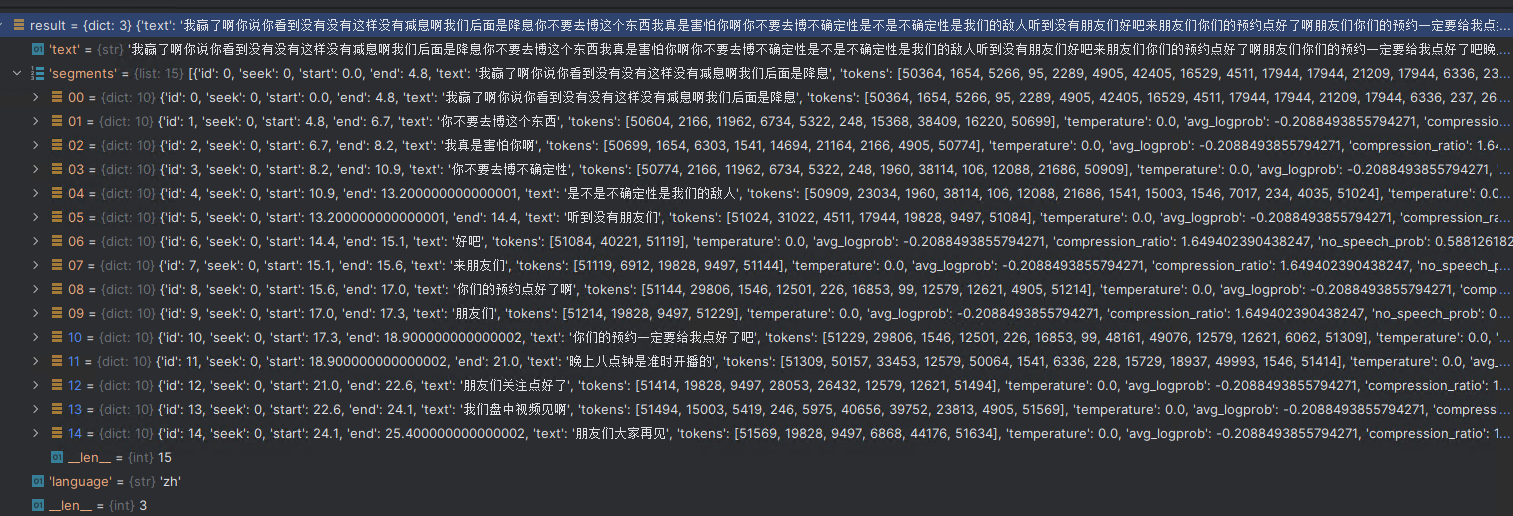
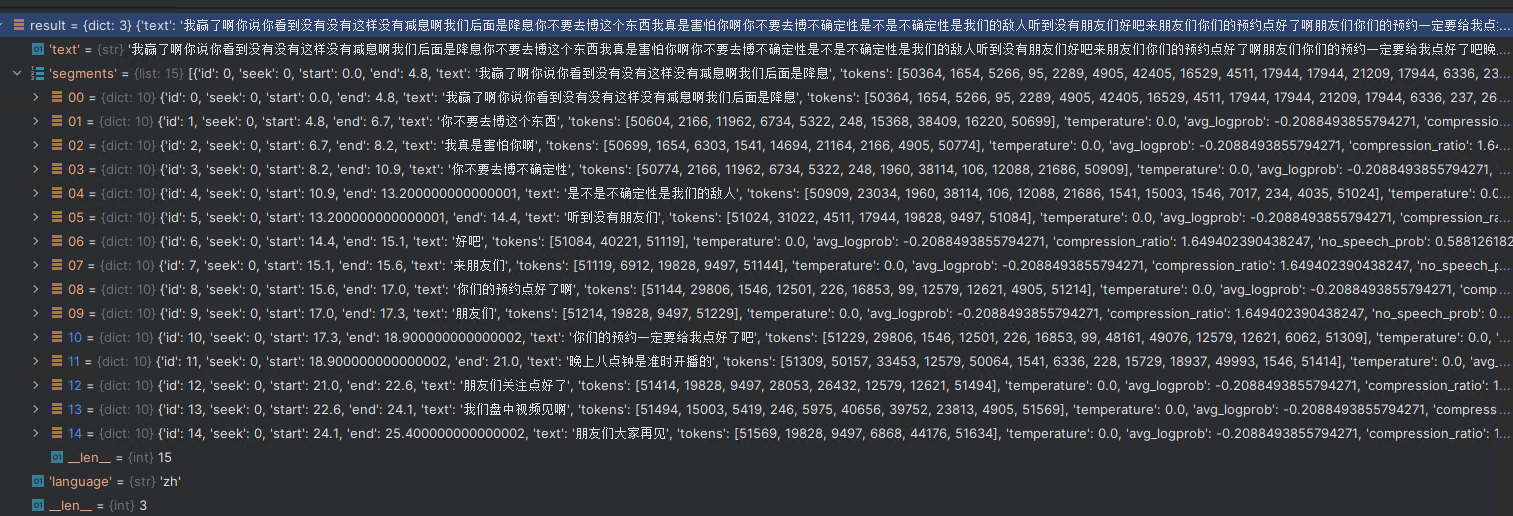
# Out[12]: '我赢了啊你说你看到没有没有这样没有减息啊我们后面是降息, 你不要去博这个东西, 我真是害怕你啊, 你不要去博不确定性, 是不是不确定性是我们的敌人, 听到没有朋友们, 好吧, 来朋友们, 你们的预约点好了啊, 朋友们, 你们的预约一定要给我点好了吧, 晚上八点钟是准时开播的, 朋友们关注点好了, 我们盘中视频见啊, 朋友们大家再见'
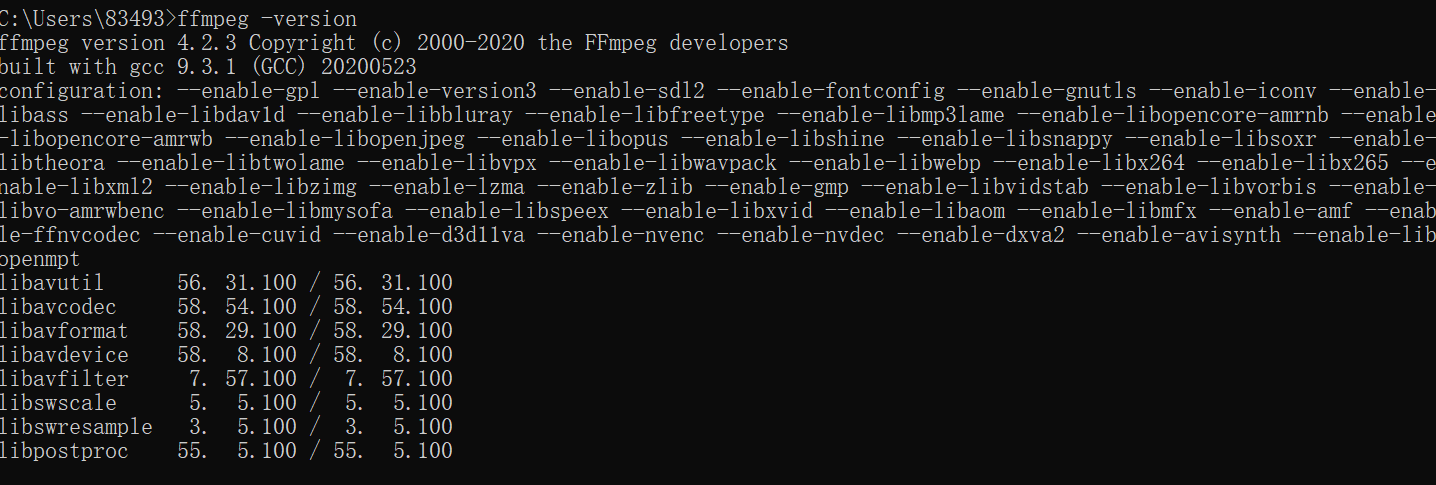
1. 进入 http://ffmpeg.org/download.html#build-windows,点击 windows 对应的图标,进入下载界面点击 download 下载按钮, 2. 解压下载好的zip文件到指定目录 3. 将解压后的文件目录中 bin 目录(包含 ffmpeg.exe )添加进 path 环境变量中 4. DOS 命令行输入 ffmpeg -version, 出现以下界面说明安装完成:
2.使用Whisper进行语音转文字
简单的使用例子:
import whisper
whisper_model = whisper.load_model("large")
result = whisper_model.transcribe(r"C:\Users\win10\Downloads\test.wav")
print(", ".join([i["text"] for i in result["segments"] if i is not None]))
import whisper
whisper_model = whisper.load_model("large")
result = whisper_model.transcribe(r"C:\Users\win10\Downloads\test.wav")
print(", ".join([i["text"] for i in result["segments"] if i is not None]))
# 我赢了啊你说你看到没有没有这样没有减息啊我们后面是降息, 你不要去博这个东西, 我真是害怕你啊, 你不要去博不确定性, 是不是不确定性是我们的敌人, 听到没有朋友们, 好吧, 来朋友们, 你们的预约点好了啊, 朋友们, 你们的预约一定要给我点好了吧, 晚上八点钟是准时开播的, 朋友们关注点好了, 我们盘中视频见啊, 朋友们大家再见
# 公众号:Python 实用宝典
from annoy import AnnoyIndex
import random

f = 40
t = AnnoyIndex(f, 'angular')  # 用于存储f维度向量
for i in range(1000):
    v = [random.gauss(0, 1) for z in range(f)]
    t.add_item(i, v)

t.build(10) # 10 棵树,查询时,树越多,精度越高。
t.save('test.ann')
from annoy import AnnoyIndex

f = 40
u = AnnoyIndex(f, 'angular')
u.load('test.ann')
print(u.get_nns_by_item(1, 5))
# [1, 607, 672, 780, 625]
其中,u.get_nns_by_item(i, n, search_k=-1, include_distances=False)返回第 i 个item的n个最近邻的item。在查询期间,它将检索多达search_k(默认n_trees * n)个点。如果设置include_distances为True,它将返回一个包含两个列表的元组:第二个列表中包含所有对应的距离。
state,city,inhabitants,area
AC,Acrelândia,12538,1807.92
AC,Assis Brasil,6072,4974.18
AC,Brasiléia,21398,3916.5
AC,Bujari,8471,3034.87
AC,Capixaba,8798,1702.58
[...]
RJ,Angra dos Reis,169511,825.09
RJ,Aperibé,10213,94.64
RJ,Araruama,112008,638.02
RJ,Areal,11423,110.92
RJ,Armação dos Búzios,27560,70.28
[...]
如果我们想要找出 state 为 RJ 并且人口大于 500000 的城市,只需要这么做:
import rows

cities = rows.import_from_csv("data/brazilian-cities.csv")
rio_biggest_cities = [
    city for city in cities
    if city.state == "RJ" and city.inhabitants > 500000
]
for city in rio_biggest_cities:
    density = city.inhabitants / city.area
    print(f"{city.city} ({density:5.2f} ppl/km²)")
for country in countries:
    print(country)
# Result:
#     Row(name='Argentina', population=45101781)
#     Row(name='Brazil', population=212392717)
#     Row(name='Colombia', population=49849818)
#     Row(name='Ecuador', population=17100444)
#     Row(name='Peru', population=32933835)
# "Row" is a namedtuple created from `country_fields`

# We've added population as a string, the library automatically converted to
# integer so we can also sum:
countries_population = sum(country.population for country in countries)
print(countries_population)  # prints 357378595
还可以将此表导出为 CSV 或任何其他支持的格式:
# 公众号:Python实用宝典
import rows
rows.export_to_csv(countries, "some-LA-countries.csv")

# html
rows.export_to_html(legislators, "some-LA-countries.csv")
从字典导入到rows对象:
import rows

data = [
    {"name": "Argentina", "population": "45101781"},
    {"name": "Brazil", "population": "212392717"},
    {"name": "Colombia", "population": "49849818"},
    {"name": "Ecuador", "population": "17100444"},
    {"name": "Peru", "population": "32933835"},
    {"name": "Guyana", },  # Missing "population", will fill with `None`
]
table = rows.import_from_dicts(data)
print(table[-1])  # Can use indexes
# Result:
#     Row(name='Guyana', population=None)