text_prompts:
  - A beautiful painting of a singular lighthouse, shining its light across a tumultuous sea of blood by greg rutkowski and thomas kinkade, Trending on artstation.
  - yellow color scheme

init_image:
width_height: [ 1280, 768 ]

skip_steps: 0
steps: 250

init_scale: 1000
clip_guidance_scale: 5000

tv_scale: 0
range_scale: 150
sat_scale: 0
cutn_batches: 4

diffusion_model: 512x512_diffusion_uncond_finetune_008100
use_secondary_model: True
diffusion_sampling_mode: ddim

perlin_init: False
perlin_mode: mixed
seed:
eta: 0.8
clamp_grad: True
clamp_max: 0.05

randomize_class: True
clip_denoised: False
rand_mag: 0.05

cut_overview: "[12]*400+[4]*600"
cut_innercut: "[4]*400+[12]*600"
cut_icgray_p: "[0.2]*400+[0]*600"
cut_ic_pow: 1.

save_rate: 20
gif_fps: 20
gif_size_ratio: 0.5
n_batches: 4
batch_size: 1
batch_name:
clip_models:
  - ViT-B-32::openai
  - ViT-B-16::openai
  - RN50::openai
clip_models_schedules:

use_vertical_symmetry: False
use_horizontal_symmetry: False
transformation_percent: [0.09]

on_misspelled_token: ignore
diffusion_model_config:
cut_schedules_group:
name_docarray:
skip_event:
stop_event:
text_clip_on_cpu: False
truncate_overlength_prompt: False
image_output: True
visualize_cuts: False
display_rate: 1
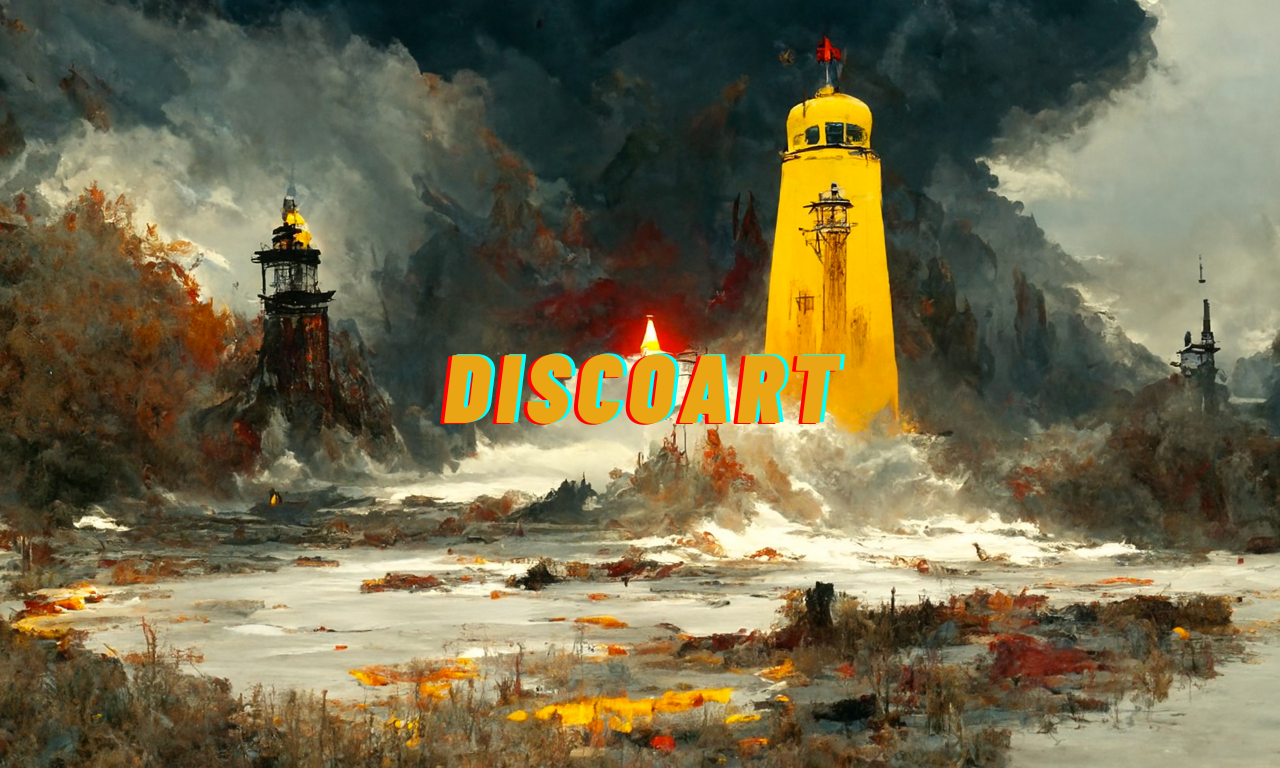
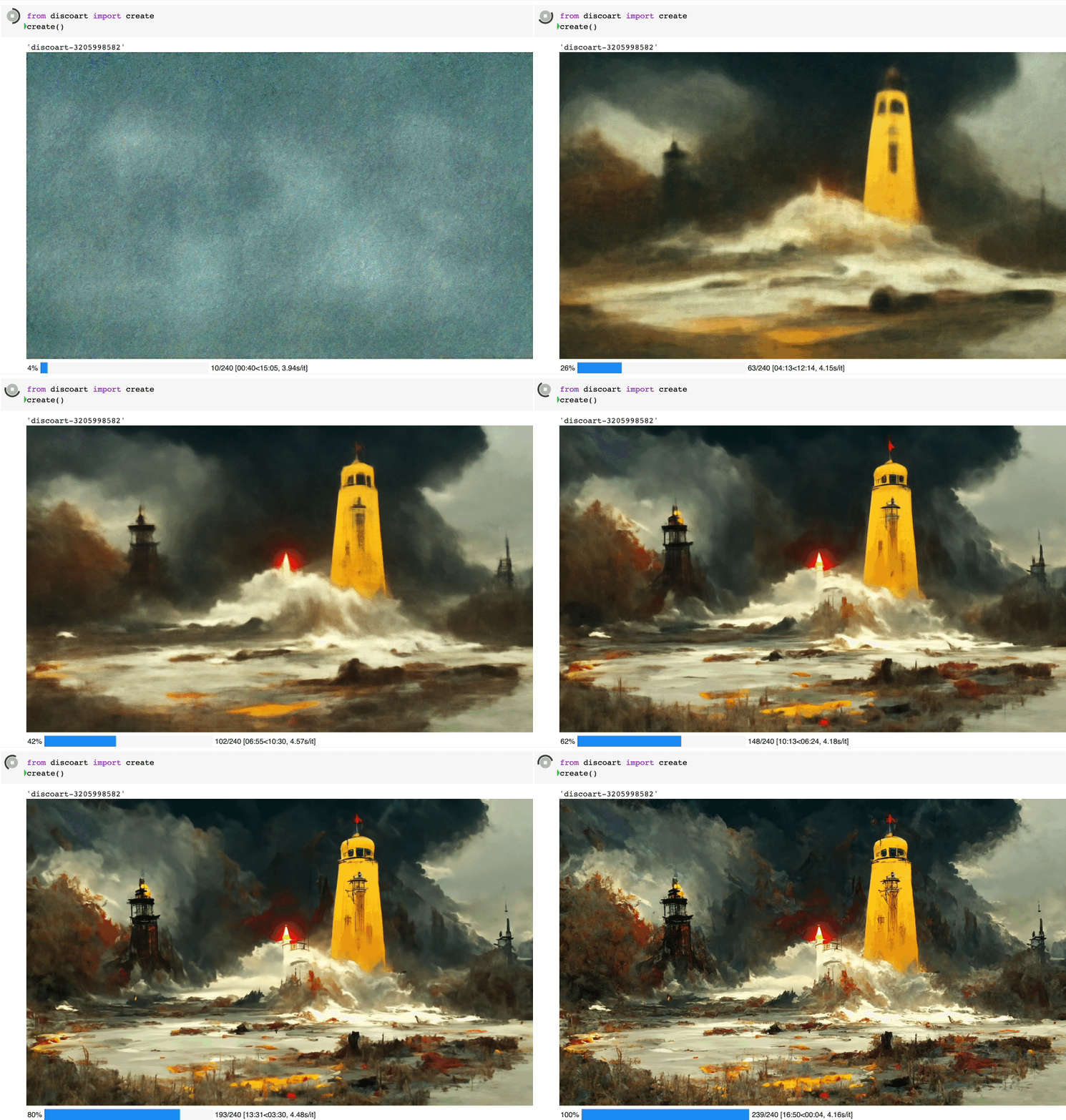
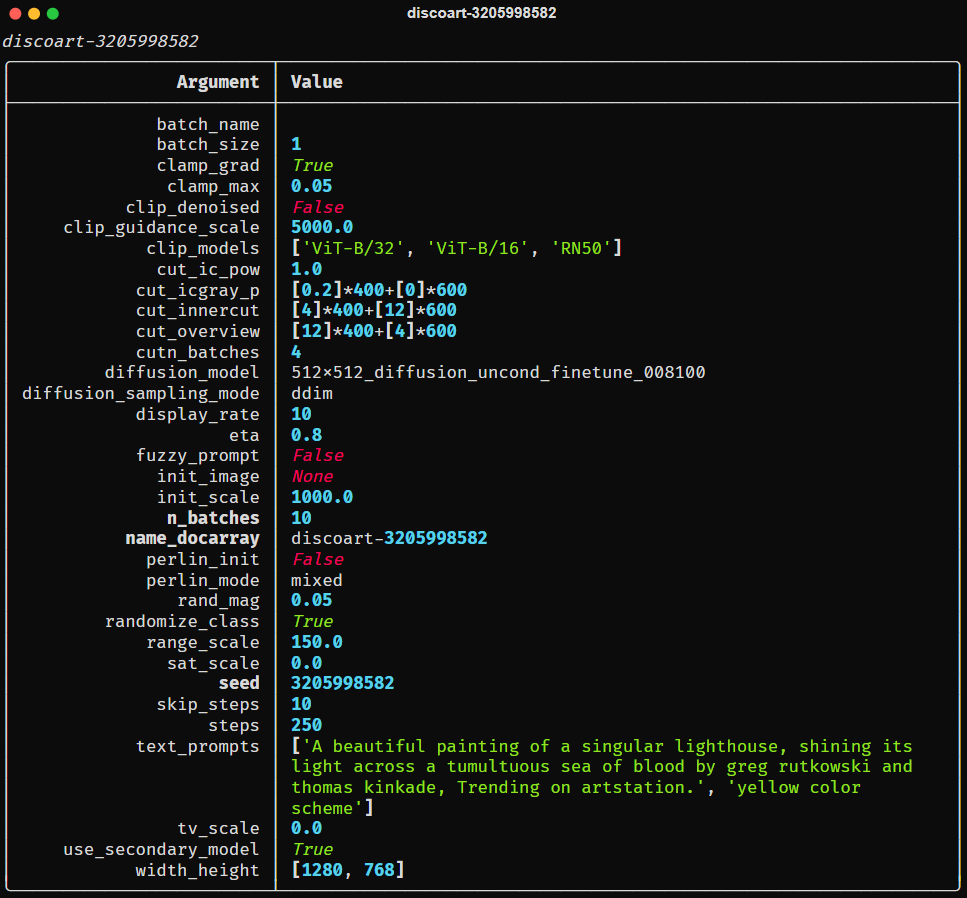
创建出来的就是这个图:
Create 支持的所有参数如下:
text_prompts:
  - A beautiful painting of a singular lighthouse, shining its light across a tumultuous sea of blood by greg rutkowski and thomas kinkade, Trending on artstation.
  - yellow color scheme

init_image:
width_height: [ 1280, 768 ]

skip_steps: 0
steps: 250

init_scale: 1000
clip_guidance_scale: 5000

tv_scale: 0
range_scale: 150
sat_scale: 0
cutn_batches: 4

diffusion_model: 512x512_diffusion_uncond_finetune_008100
use_secondary_model: True
diffusion_sampling_mode: ddim

perlin_init: False
perlin_mode: mixed
seed:
eta: 0.8
clamp_grad: True
clamp_max: 0.05

randomize_class: True
clip_denoised: False
rand_mag: 0.05

cut_overview: "[12]*400+[4]*600"
cut_innercut: "[4]*400+[12]*600"
cut_icgray_p: "[0.2]*400+[0]*600"
cut_ic_pow: 1.

save_rate: 20
gif_fps: 20
gif_size_ratio: 0.5
n_batches: 4
batch_size: 1
batch_name:
clip_models:
  - ViT-B-32::openai
  - ViT-B-16::openai
  - RN50::openai
clip_models_schedules:

use_vertical_symmetry: False
use_horizontal_symmetry: False
transformation_percent: [0.09]

on_misspelled_token: ignore
diffusion_model_config:
cut_schedules_group:
name_docarray:
skip_event:
stop_event:
text_clip_on_cpu: False
truncate_overlength_prompt: False
image_output: True
visualize_cuts: False
display_rate: 1
你可以这么使用:
from discoart import create

da = create(
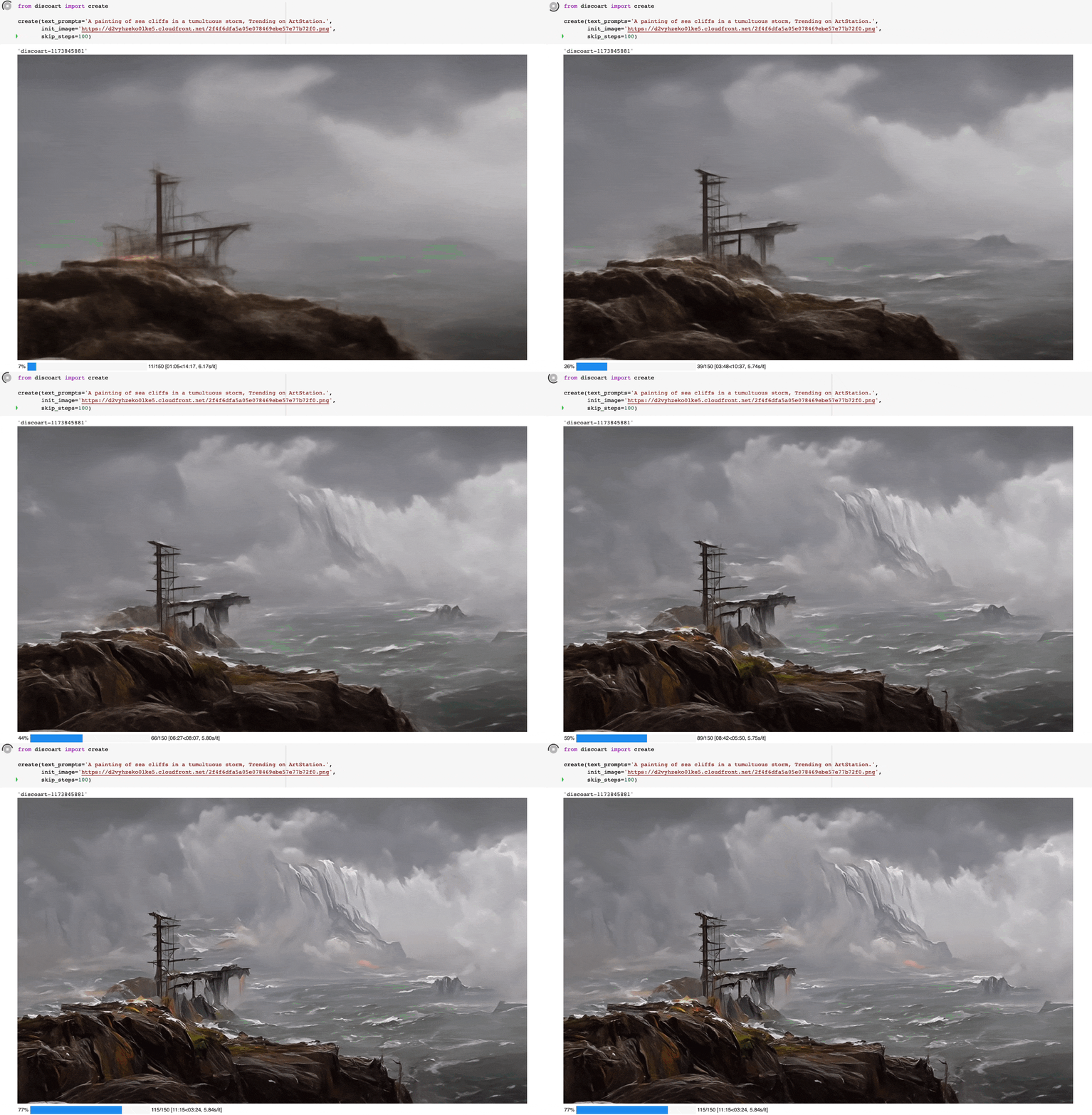
    text_prompts='A painting of sea cliffs in a tumultuous storm, Trending on ArtStation.',
    init_image='https://d2vyhzeko0lke5.cloudfront.net/2f4f6dfa5a05e078469ebe57e77b72f0.png',
    skip_steps=100,
)
from discoart import show_config

show_config(da)  # show the config of the first run
show_config(da[3])  # show the config of the fourth run
show_config(
    'discoart-06030a0198843332edc554ffebfbf288'
)  # show the config of the run with a known DocArray ID
要保存 Document/DocumentArray 的配置:
from discoart import save_config

save_config(da, 'my.yml')  # save the config of the first run
save_config(da[3], 'my.yml')  # save the config of the fourth run
从配置中导入:
from discoart import create, load_config

config = load_config('my.yml')
create(**config)
此外,你还能直接把配置导出为图像的形式
from discoart.config import save_config_svg

save_config_svg(da)
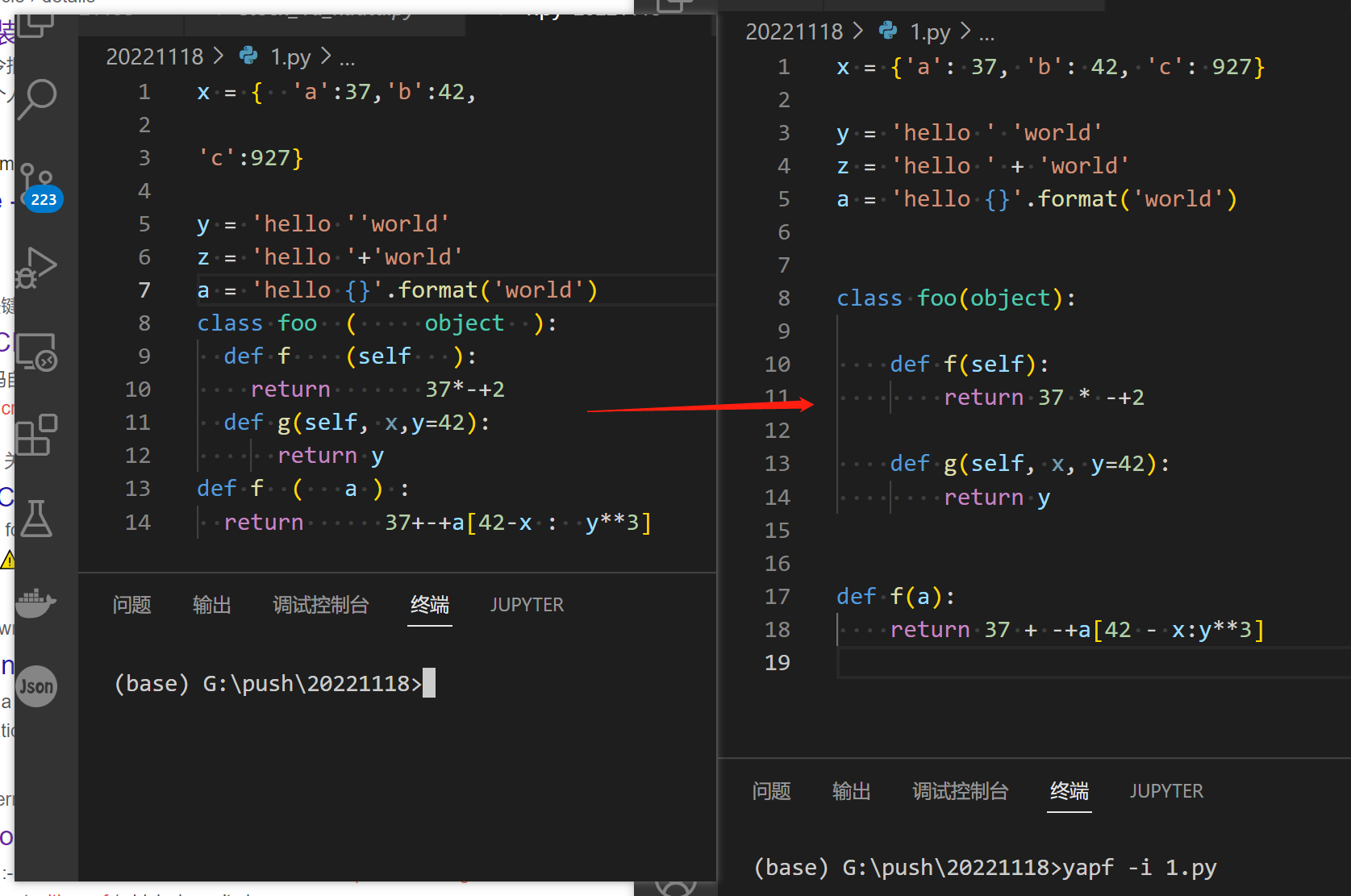
x = {  'a':37,'b':42,

'c':927}

y = 'hello ''world'
z = 'hello '+'world'
a = 'hello {}'.format('world')
class foo  (     object  ):
  def f    (self   ):
    return       37*-+2
  def g(self, x,y=42):
      return y
def f  (   a ) :
  return      37+-+a[42-x :  y**3]